Motorola Droid Turbo Knows Baseball
#VZWBuzz #VZBoston The Motorola Droid Turbo Knows Baseball
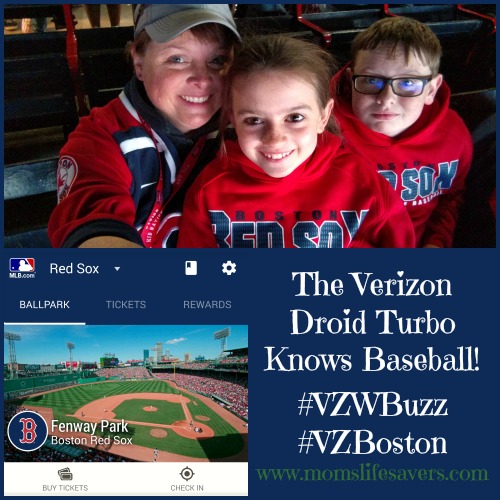
We took our Verizon Motorola Droid Turbo to our favorite major league ball park and it was a homerun with the whole family.
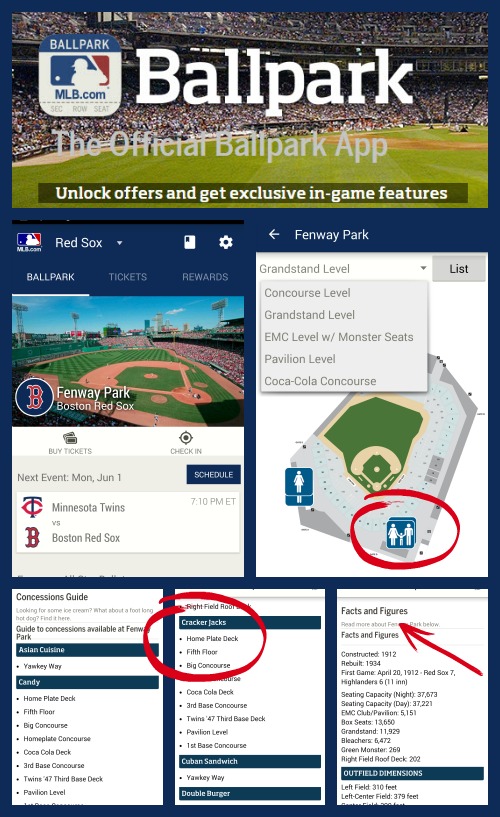
Before we arrived at the park we downloaded the free app, MLB.com Ballpark. Not only did this app make it easy to navigate the park, find restrooms and concessions, it also made me the most knowledgeable one in our section (after all I was able to look up the facts and figures on the park in seconds)
Check out the screen shots in the collage below. As you can see we were able to take care of everyone’s ball park needs with the MLB.com Ballpark app. From finding the closest bathroom from any point in the ball park (including family restrooms) to locating the nearest bag of Cracker Jacks. Our son was happy to review the Facts and Figures and try and stump his dad about the parks history, dimensions and number of seats.
#VZWBuzz #VZBoston The Motorola Droid Turbo Knows Baseball
Taking a Screen Shot with the Motorola Droid Turbo
I was able to take screen shots with the Motorola Droid Turbo by pressing the power button and the lower volume button for about 3 seconds, then I heard the ‘click’ of the ‘camera shutter’ and knew I had captured the view I was looking for.
You Need A Selfie Stick
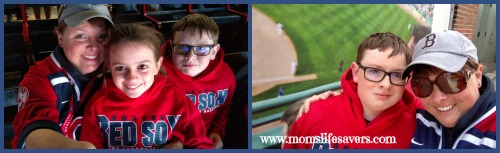
That’s right, you need a selfie stick. We were able to take family shots of all of us together with the Motorola Droid Turbo along with the help of a selfie stick.
You can find all the accessories you ever imagined for your electronic devices at the Verizon Destination Store in Boston. Check these fun family selfies from our trip to Fenway.
#VZWBuzz #VZBoston Motorola Droid Turbo Mom’s Lifesavers
Disclosure: As a Verizon #VZWBuzz #VZBoston Lifestyle Blogger I’m a member of a pretty cool team of influencers who share information about mobile living. I was provided a device at no charge and compensation for my participation. There has been no editing by a third party, nor any promise of positive feedback. All opinions are my own.

Leave a Reply